


The right machine, specified for how your office actually prints
We are an authorized Kyocera dealer. That means we can put a compact desktop printer in a two-person office or a finishing-equipped TASKalfa in a busy department — and we will tell you honestly which one you need.
Every Kyocera we place
Search by model, or by the cartridge code you already buy. Each machine lists the toner it takes — click a cartridge to order it, or send the machine over for a price against your real volume.
58 Kyocera machines

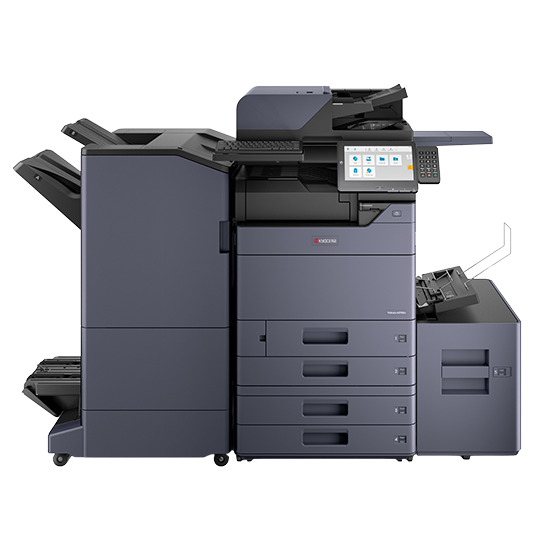
TASKalfa MZ4000i
- 40 pages per minute
- Print, Copy, Scan; Fax configurable
- Up to 4,100 sheets; 11 x 17
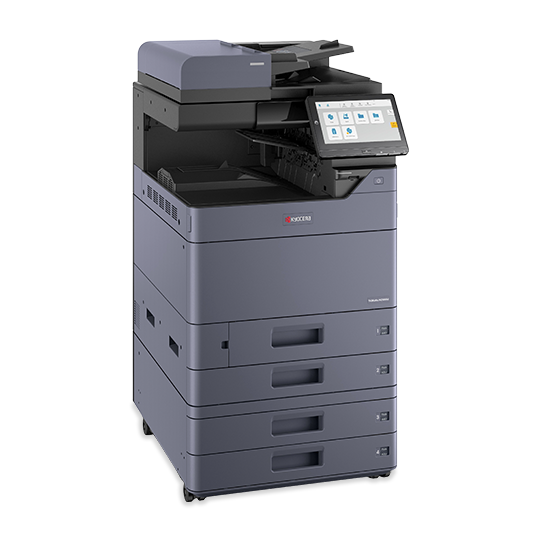
TASKalfa MZ4001ci
- 40 pages per minute
- Print, Copy, Scan; Fax configurable
- Up to 12 x 18
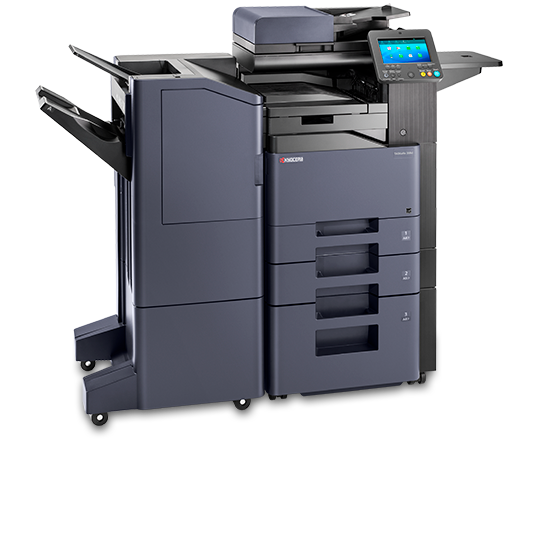
TASKalfa MZ4001i
- 40 pages per minute
- Print, Copy, Scan; Fax configurable
- Up to 12 x 18
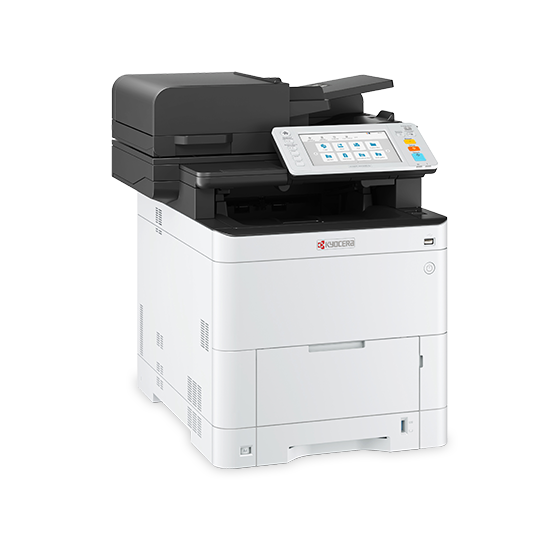
TASKalfa 408ci
- 42 pages per minute
- Print, Copy, Scan; Fax configurable
- Up to 3,100 sheets; Letter/Legal
ECOSYS MA4000cifx
- 42 pages per minute
- Print, Copy, Scan, Fax
- Letter/Legal
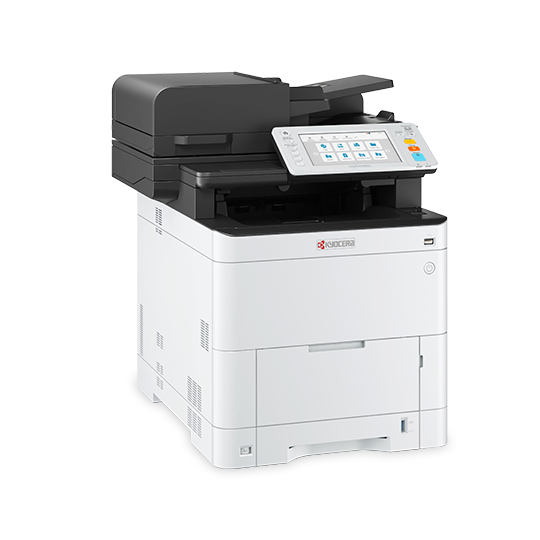
ECOSYS MA4000cix
- 42 pages per minute
- Print, Copy, Scan
- Letter/Legal
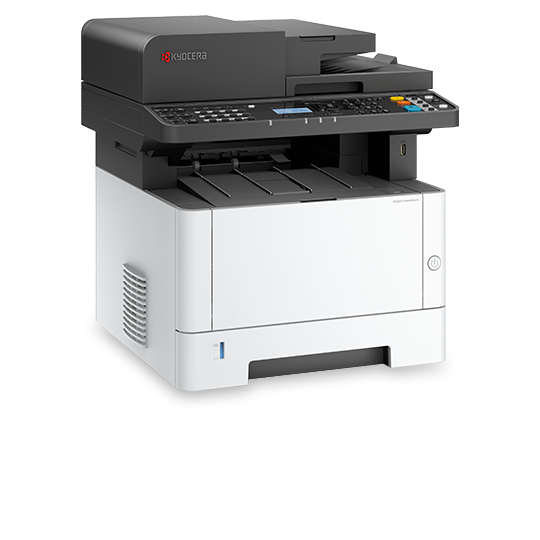
ECOSYS MA4000wfx
- 42 pages per minute
- Print, Copy, Scan, Fax
- Up to 850 sheets; Letter/Legal
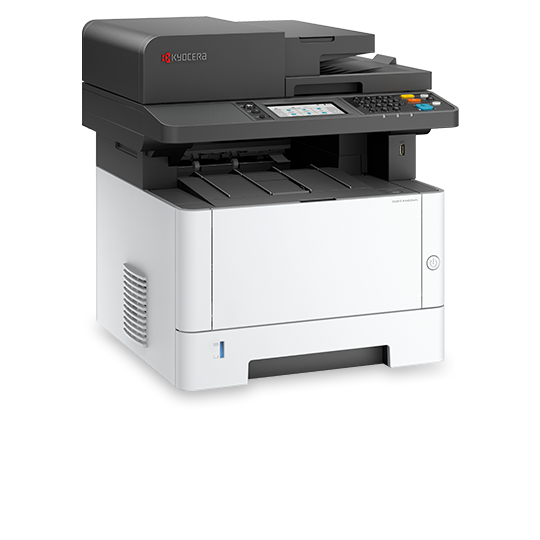
ECOSYS MA4000wifx
- 42 pages per minute
- Print, Copy, Scan, Fax
- Letter/Legal
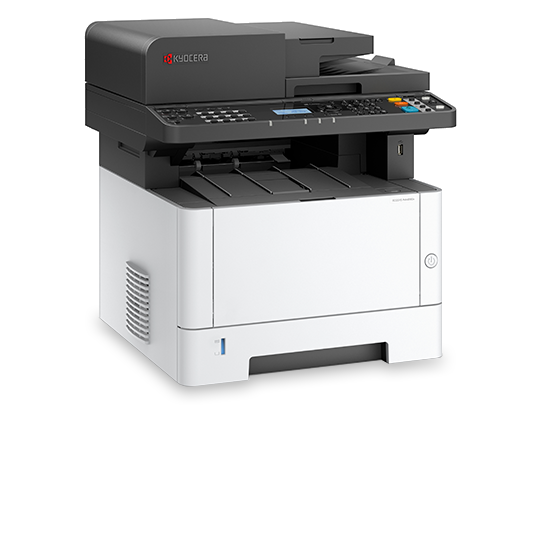
ECOSYS MA4000x
- 42 pages per minute
- Print, Copy, Scan
- Up to 850 sheets; Letter/Legal
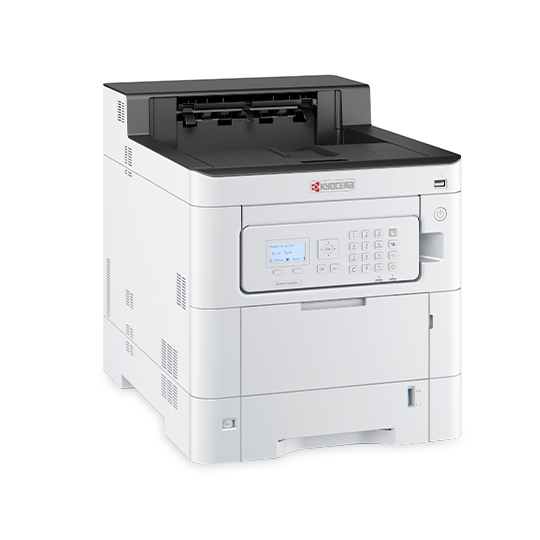
ECOSYS PA4000cx
- 42 pages per minute
- Print only
- Letter/Legal
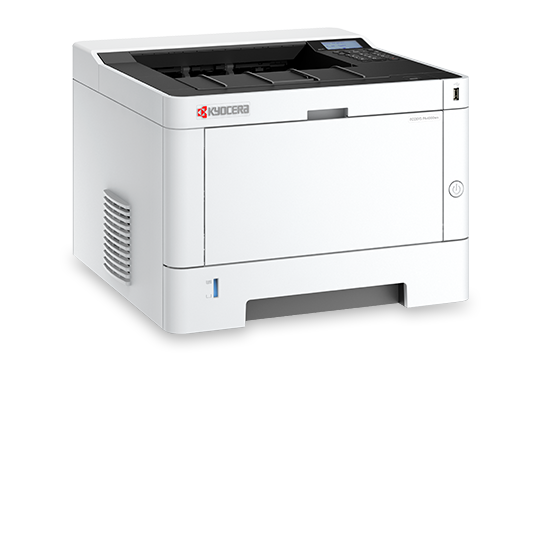
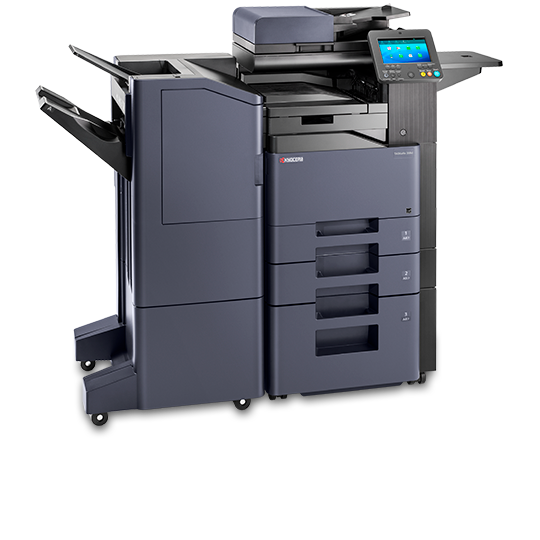
TASKalfa 358ci
- 37 pages per minute
- Print, Copy, Scan; Fax configurable
- Up to 3,100 sheets; Letter/Legal
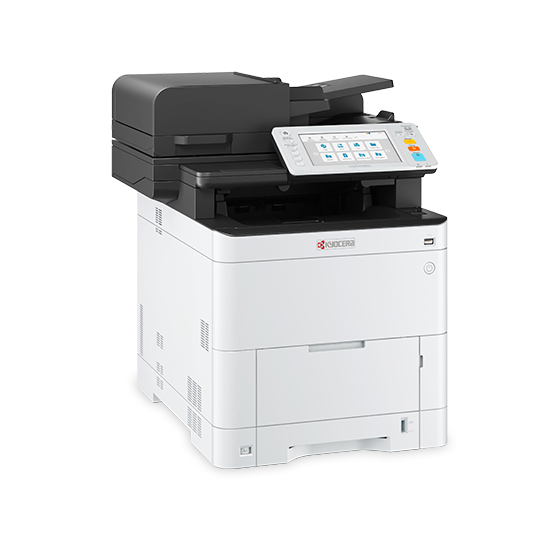
ECOSYS MA3500cifx
- 37 pages per minute
- Print, Copy, Scan, Fax
- Letter/Legal
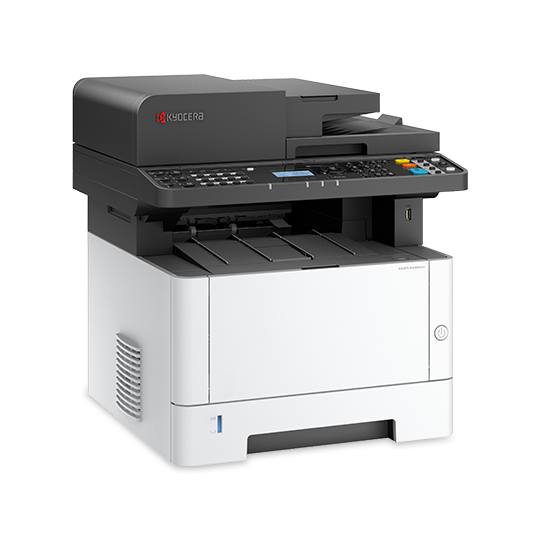
ECOSYS MA3500wfx
- 37 pages per minute
- Print, Copy, Scan, Fax
- Up to 850 sheets; Letter/Legal
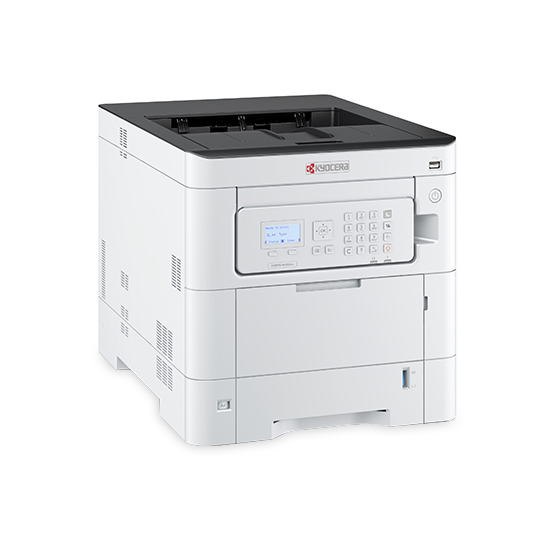
ECOSYS PA3500cx
- 37 pages per minute
- Print only
- Letter/Legal
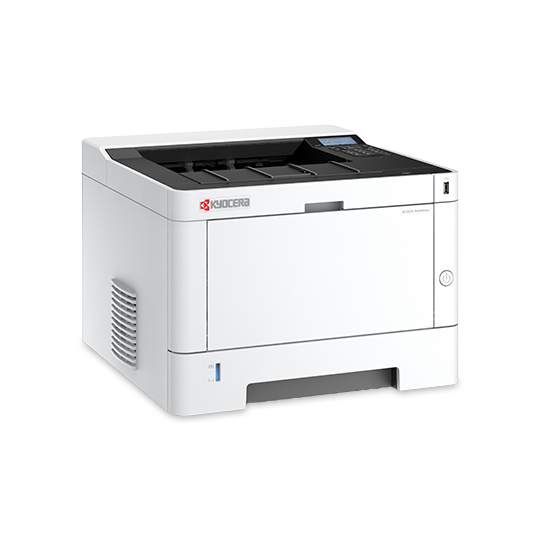
ECOSYS PA3500wx
- 37 pages per minute
- Print only
- Up to 850 sheets; Letter/Legal
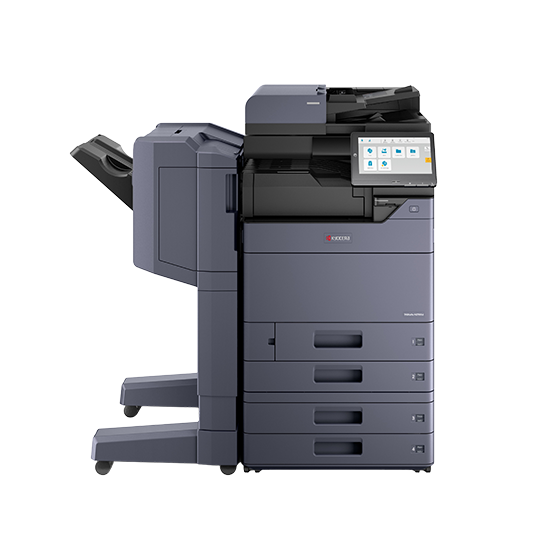
TASKalfa MZ3501ci
- 35 pages per minute
- Print, Copy, Scan; Fax configurable
- Up to 12 x 18
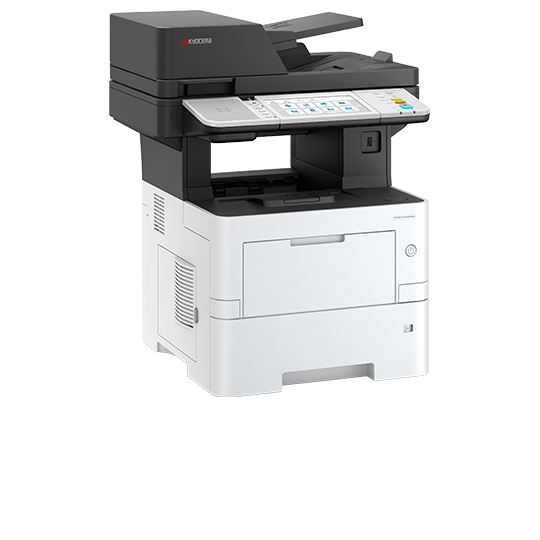
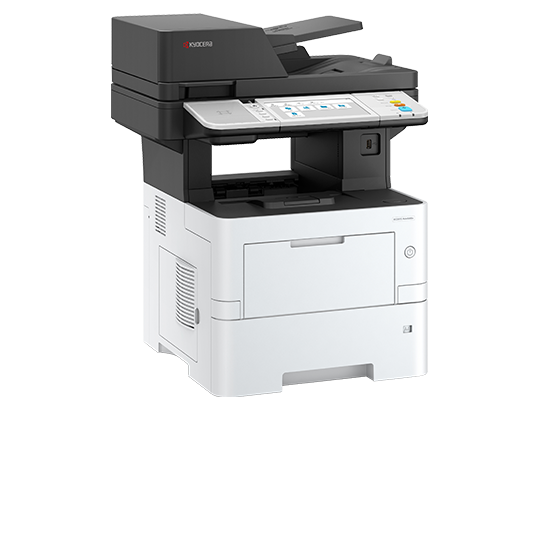
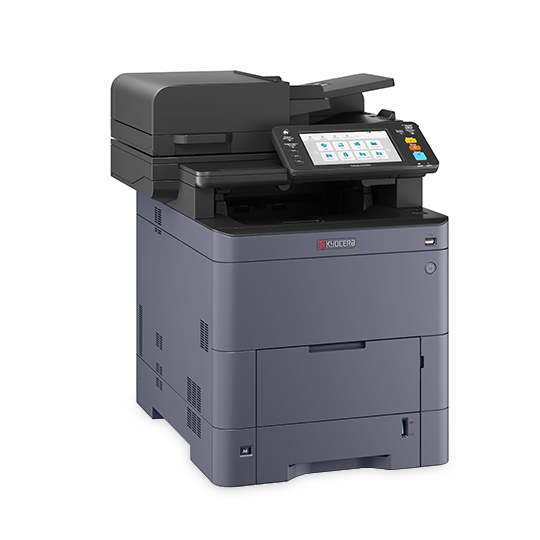
TASKalfa MA4500ci
- 47 pages per minute
- Print, Copy, Scan, Fax
- Up to 8.5 x 14
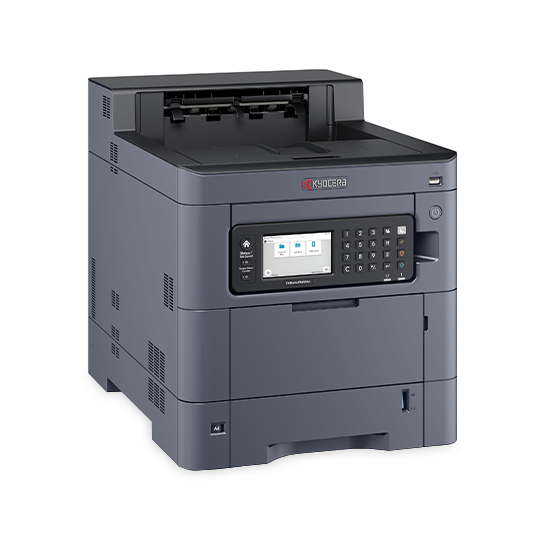
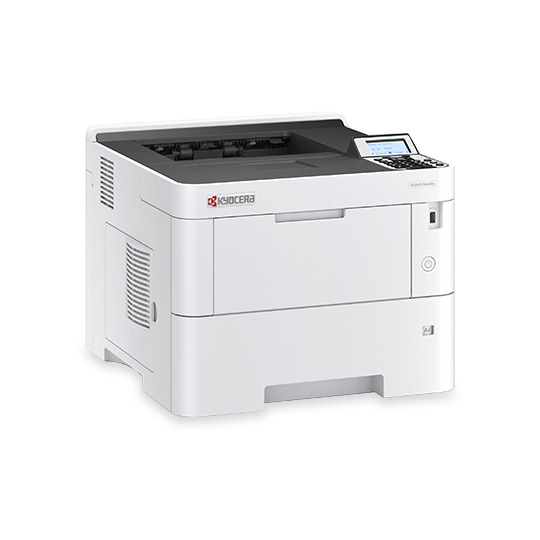
TASKalfa PA4500ci
- 47 pages per minute
- Print only
- Up to 2,850 sheets; Letter/Legal
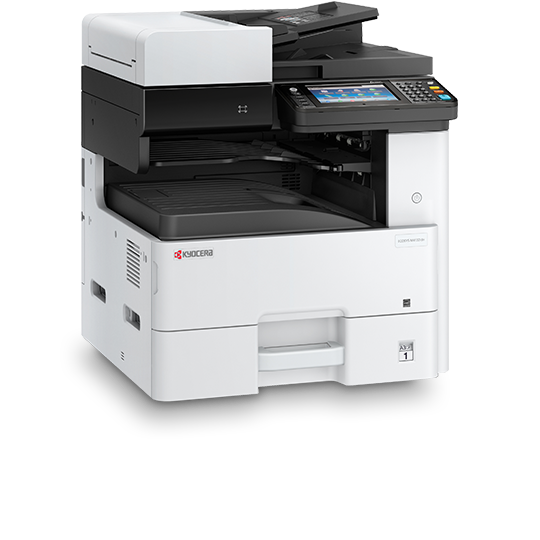
ECOSYS M4132idn
- 32 pages per minute
- Print, Copy, Scan; Fax configurable
- Up to 1,600 sheets; 11 x 17
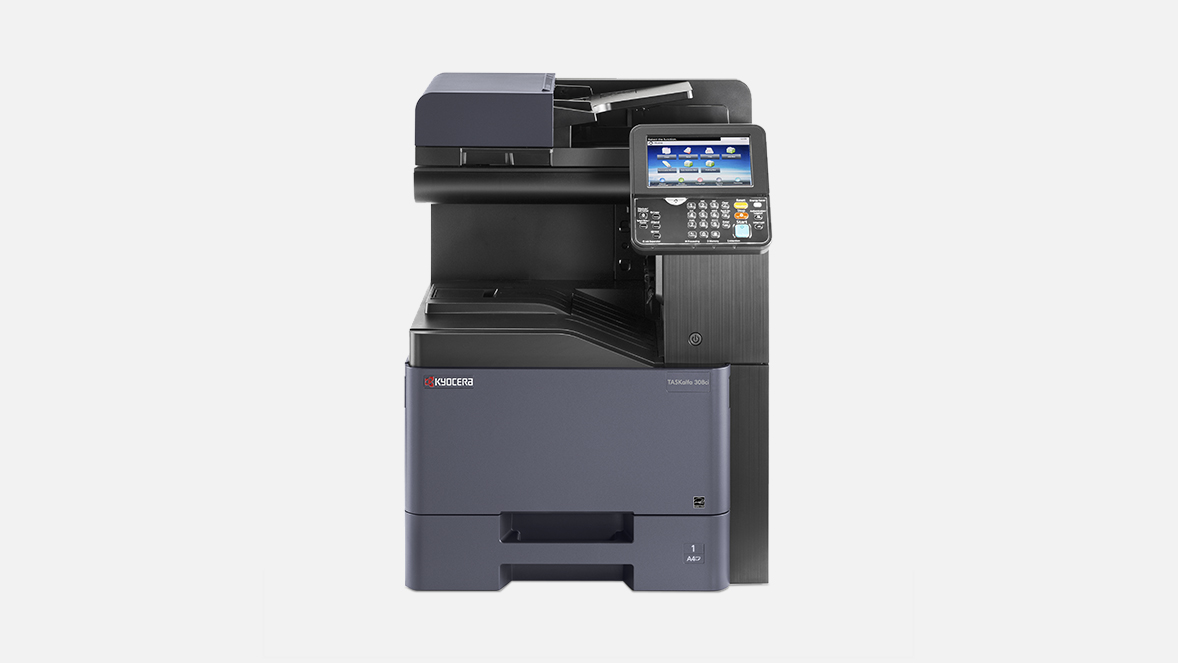
TASKalfa 308ci
- 32 pages per minute
- Print, Copy, Scan; Fax configurable
- Up to 8.5 x 14
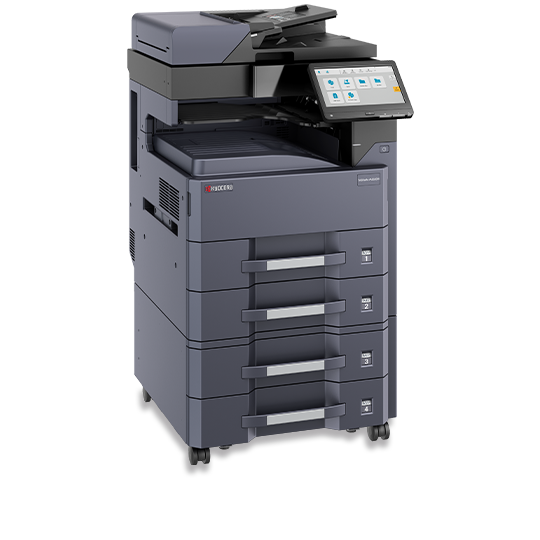
TASKalfa MZ3200i
- 32 pages per minute
- Print, Copy, Scan; Fax configurable
- Up to 11 x 17
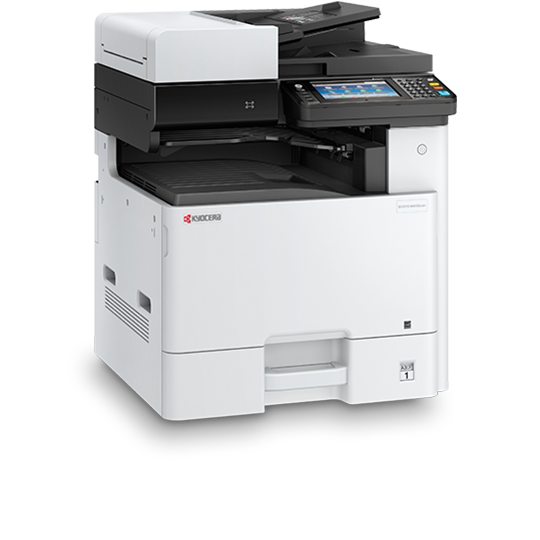
ECOSYS M8130cidn
- 30 pages per minute
- Print, Copy, Scan; Fax configurable
- Up to 1,600 sheets; 11 x 17
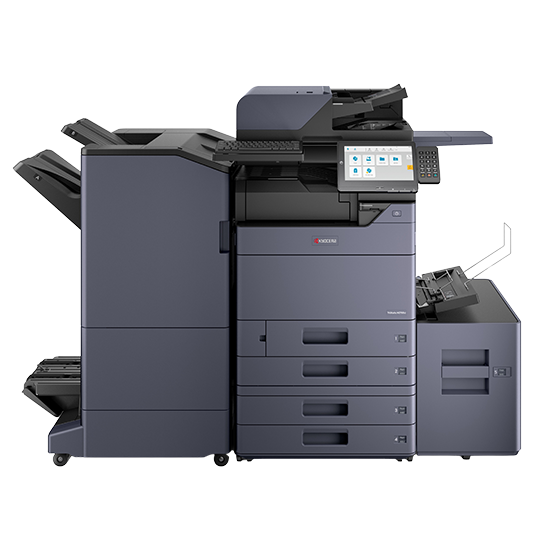
TASKalfa MZ5001ci
- 50 pages per minute
- Print, Copy, Scan; Fax configurable
- Up to 12 x 18
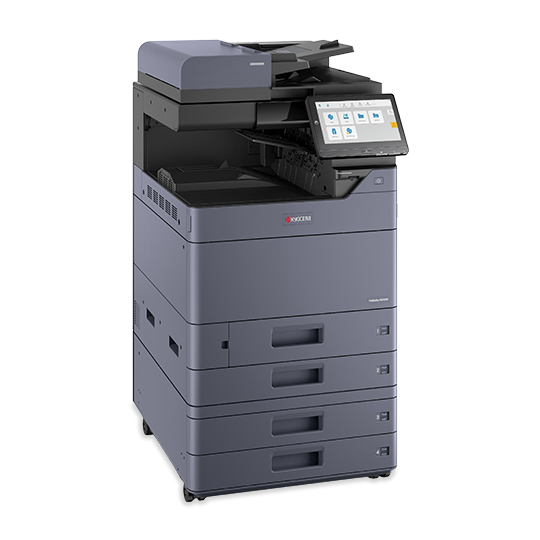
TASKalfa MZ5001i
- 50 pages per minute
- Print, Copy, Scan; Fax configurable
- Up to 12 x 18
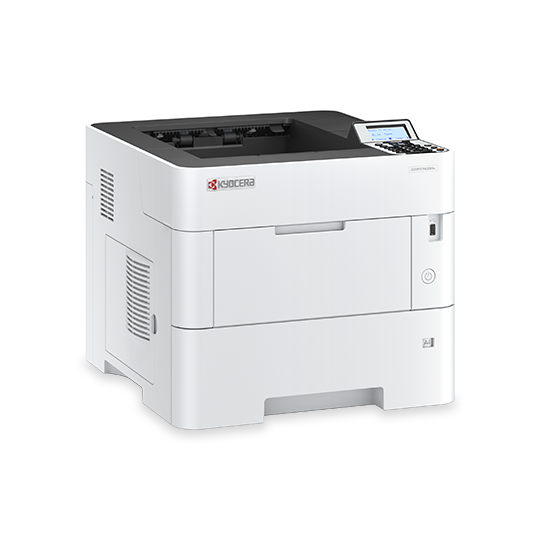
ECOSYS PA5000x
- 52 pages per minute
- Print only
- Up to 2,600 sheets; Letter/Legal
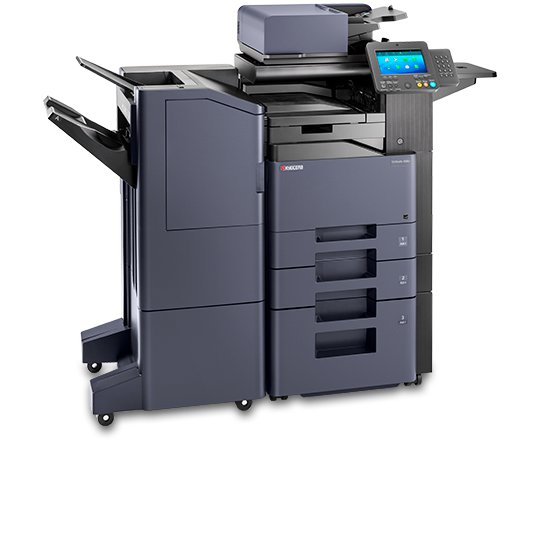
TASKalfa 508ci
- 52 pages per minute
- Print, Copy, Scan; Fax configurable
- Up to 8.5 x 14
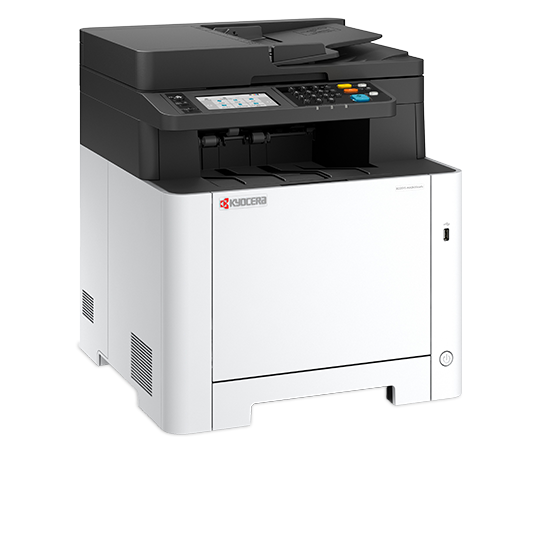
ECOSYS MA2600cwfx
- 27 pages per minute
- Print, Copy, Scan, Fax
- Letter/Legal; up to 550 sheets
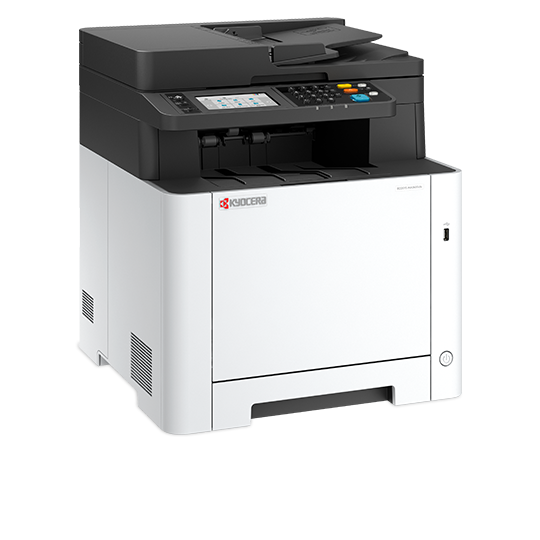
ECOSYS MA2600cwx
- 27 pages per minute
- Print, Copy, Scan
- Letter/Legal; up to 550 sheets
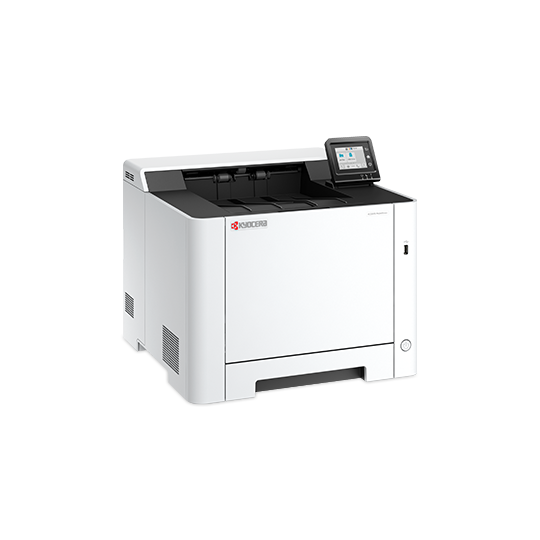
ECOSYS PA2600cwx
- 27 pages per minute
- Print only
- Up to 550 sheets; Letter/Legal
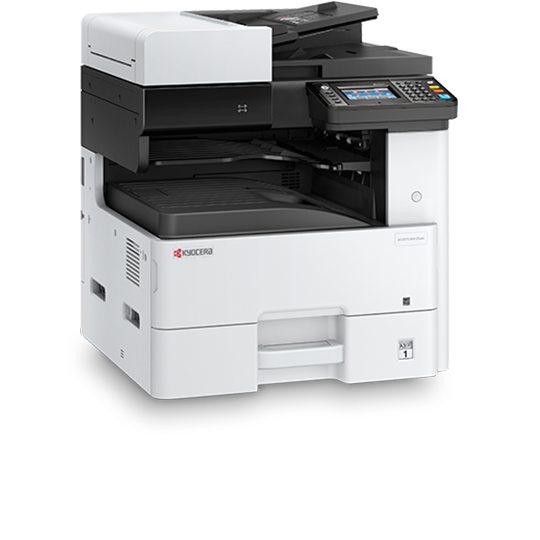
ECOSYS M4125idn
- 25 pages per minute
- Print, Copy, Scan; Fax configurable
- Up to 1,600 sheets; 11 x 17
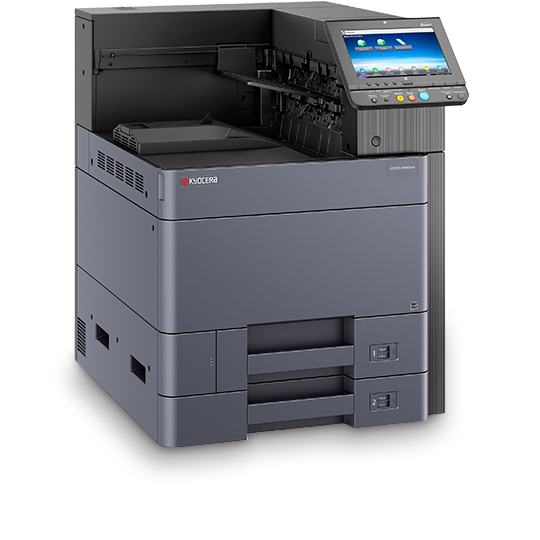
ECOSYS P8060cdn
- 55 pages per minute
- Print only
- Up to 7,150 sheets; 12 x 18
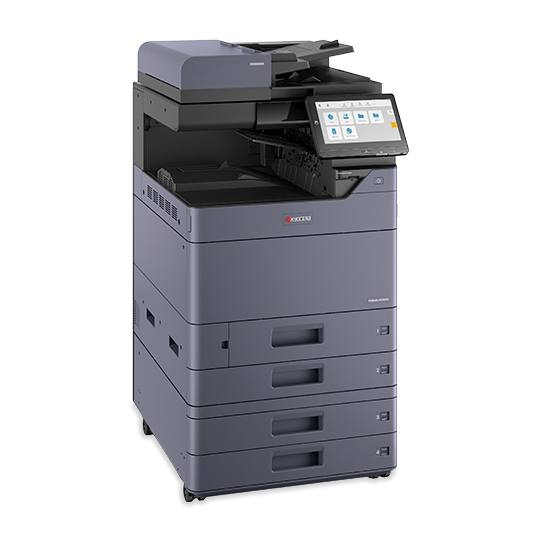
TASKalfa MZ2501ci
- 25 pages per minute
- Print, Copy, Scan; Fax configurable
- Up to 12 x 18
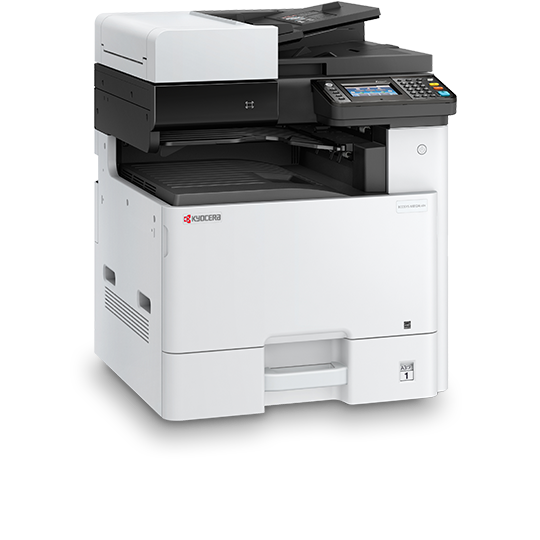
ECOSYS M8124cidn
- 24 pages per minute
- Print, Copy, Scan; Fax configurable
- Up to 1,600 sheets; 11 x 17
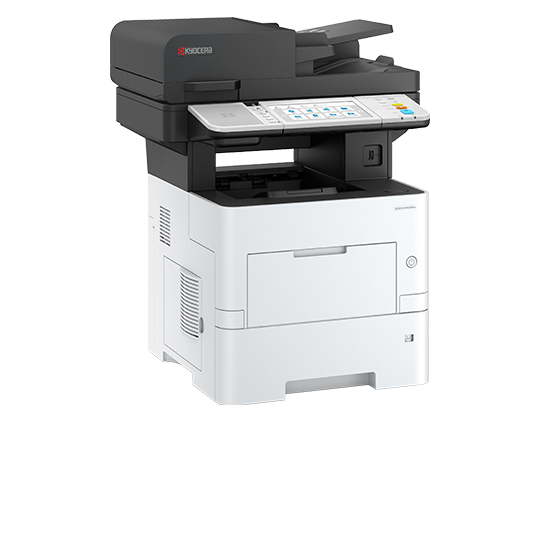
ECOSYS MA5500ifx
- 57 pages per minute
- Print, Copy, Scan, Fax
- Letter/Legal
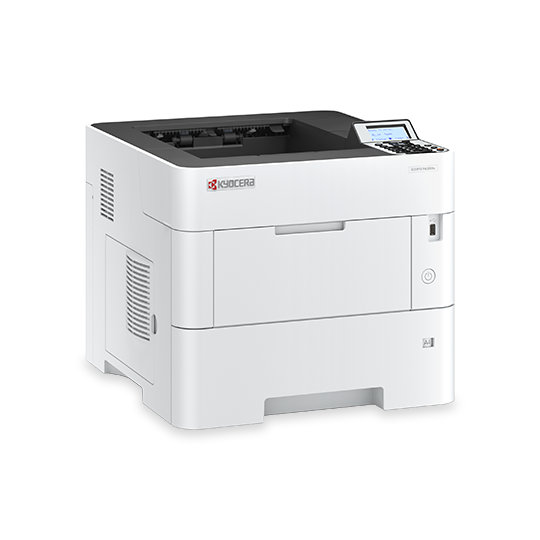
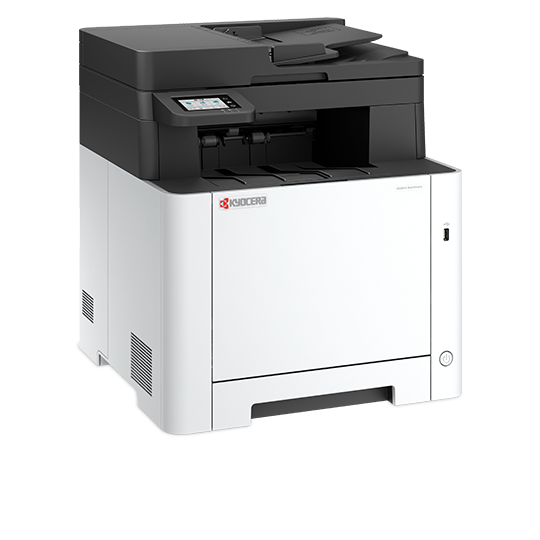
ECOSYS MA2101cwfx
- 22 pages per minute
- Print, Copy, Scan, Fax
- Up to 550 sheets; Letter/Legal

ECOSYS PA2101cwx
- 22 pages per minute
- Print only
- Letter/Legal
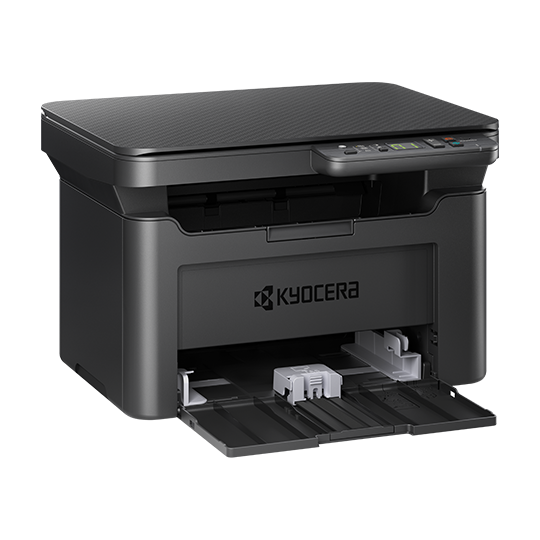
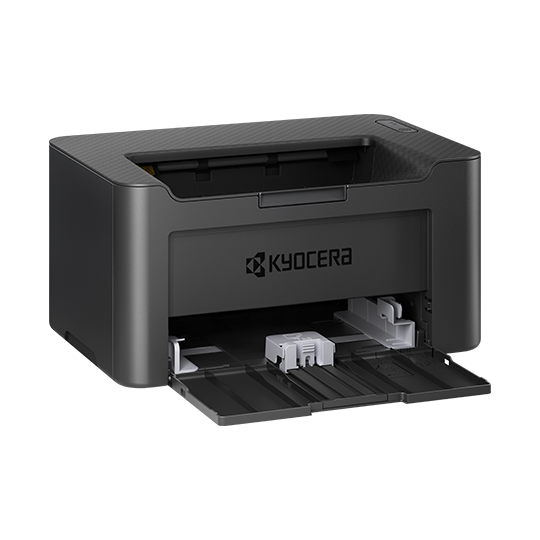
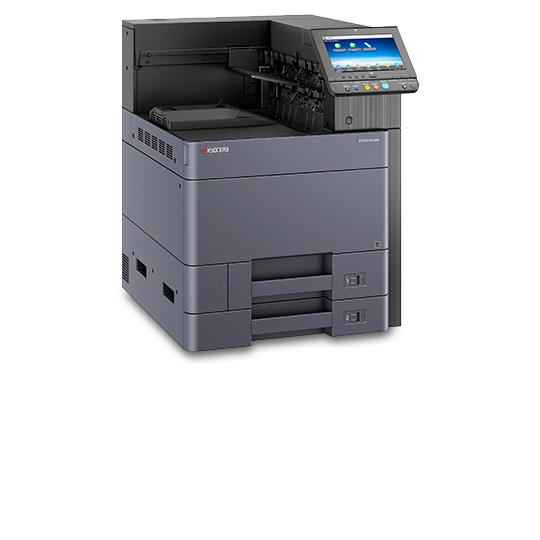
ECOSYS P4060dn
- 60 pages per minute
- Print only
- Up to 7,150 sheets; 12 x 18
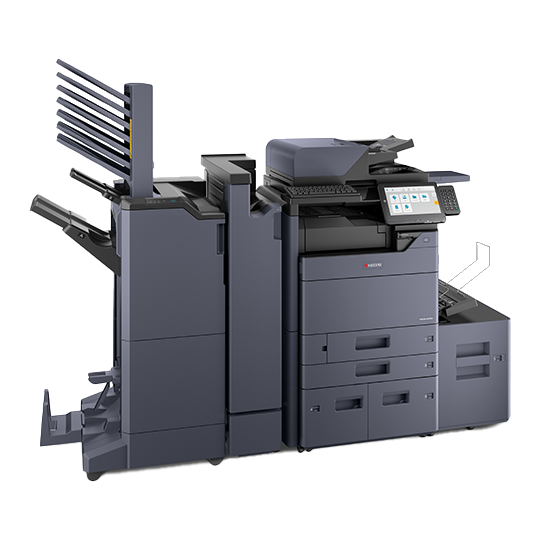
TASKalfa MZ6001ci
- 60 pages per minute
- Print, Copy, Scan; Fax configurable
- Up to 12 x 18
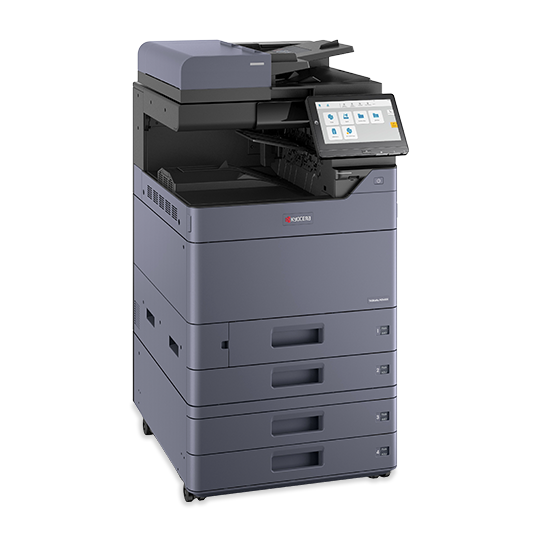
TASKalfa MZ6001i
- 60 pages per minute
- Print, Copy, Scan; Fax configurable
- Up to 12 x 18
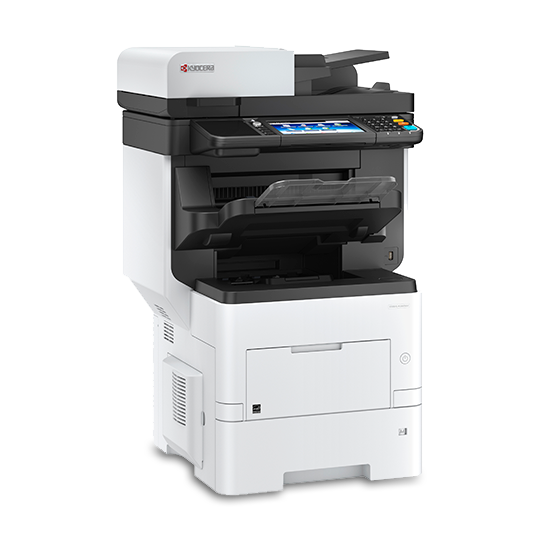
ECOSYS M3860idnf
- 62 pages per minute
- Print, Copy, Scan, Fax
- Up to 2,600 sheets; Letter/Legal
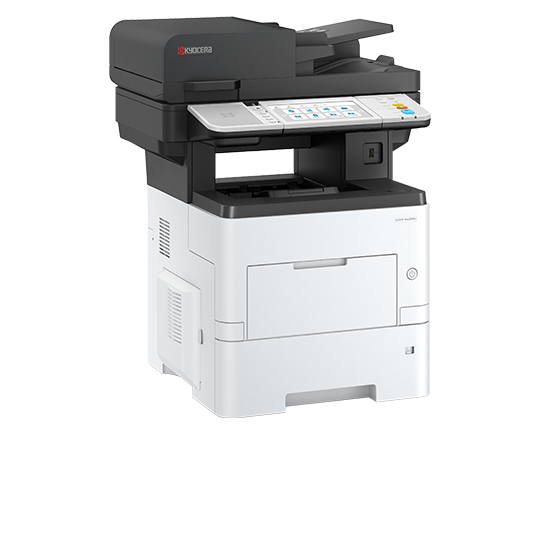
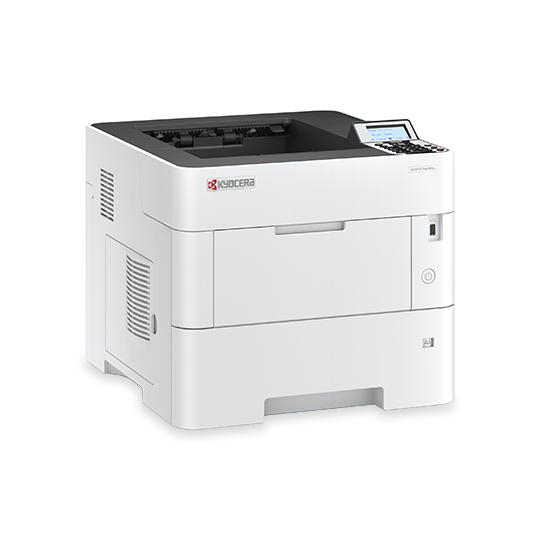
ECOSYS PA6000x
- 62 pages per minute
- Print only
- Up to 2,600 sheets; Letter/Legal
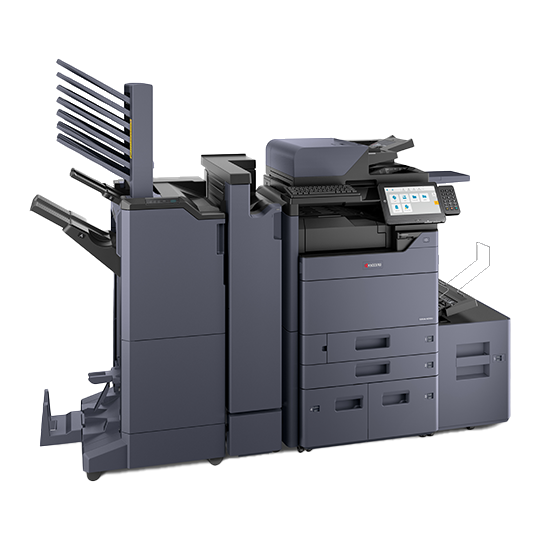
TASKalfa MZ7001ci
- 70 pages per minute
- Print, Copy, Scan; Fax configurable
- Up to 7,150 sheets; 12 x 18
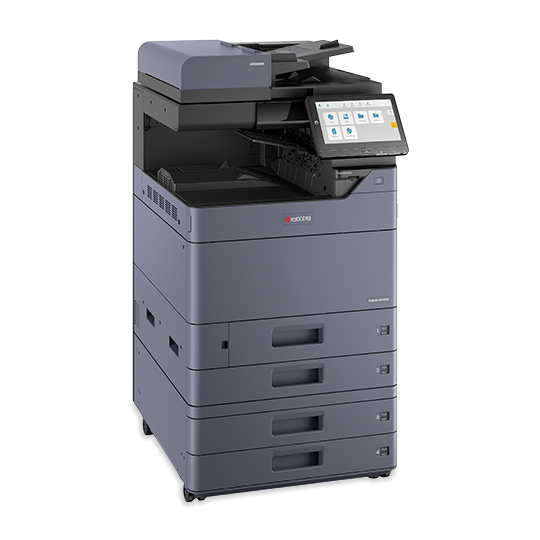
TASKalfa MZ7001i
- 70 pages per minute
- Print, Copy, Scan; Fax configurable
- Up to 12 x 18
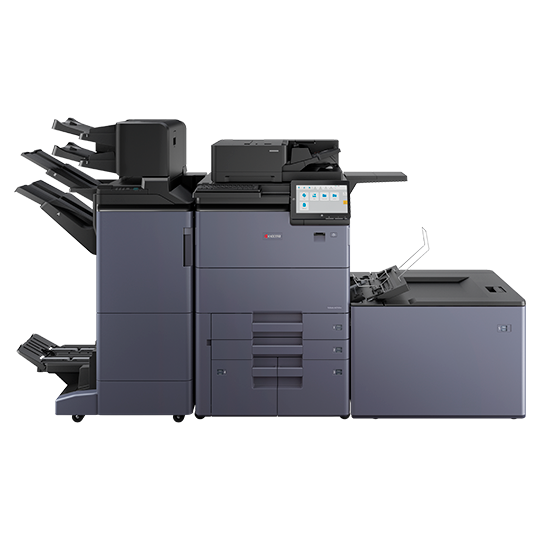
TASKalfa MZ7500ci
- 70 pages per minute
- Print, Copy, Scan; Fax configurable
- Up to 13 x 19.2
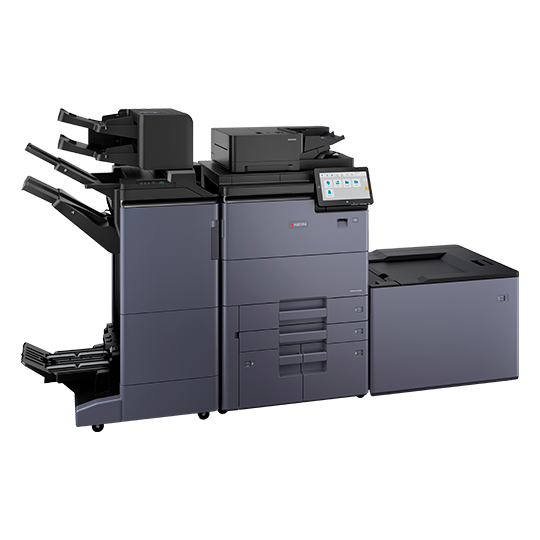
TASKalfa MZ7500i
- 75 pages per minute
- Print, Copy, Scan; Fax configurable
- Up to 13 x 19.2
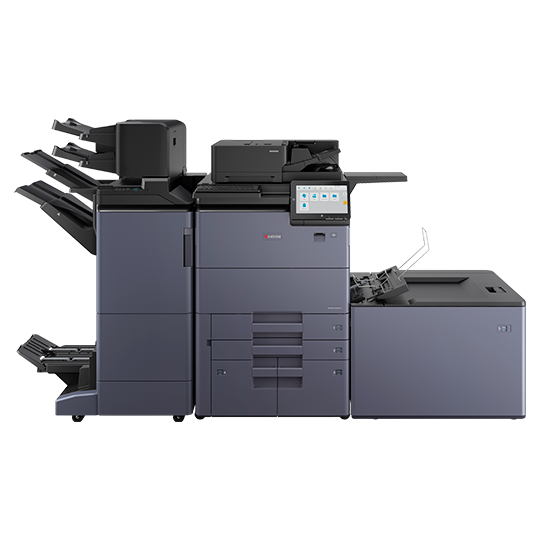
TASKalfa MZ8500ci
- 75 pages per minute
- Print, Copy, Scan; Fax configurable
- Up to 13 x 19.2
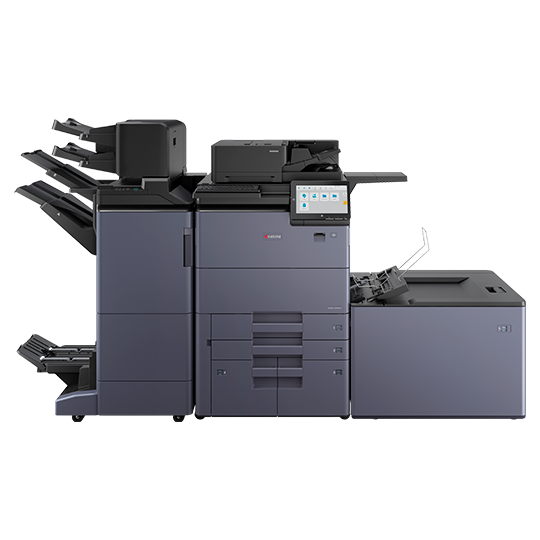
TASKalfa MZ9500ci
- 80 pages per minute
- Print, Copy, Scan; Fax configurable
- Up to 13 x 19.2
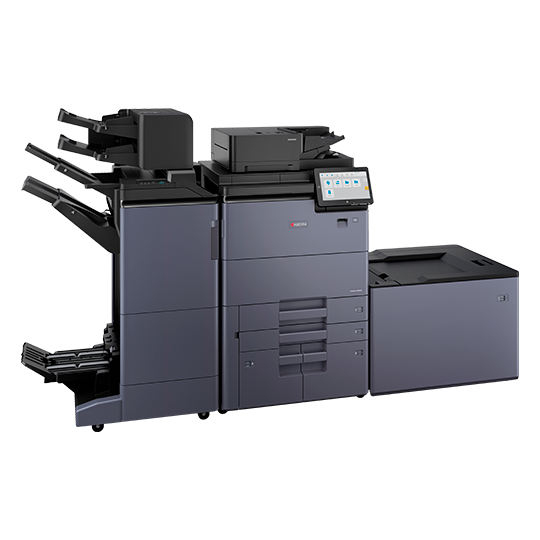
TASKalfa MZ8500i
- 85 pages per minute
- Print, Copy, Scan; Fax configurable
- Up to 7,850 sheets; 13 x 19.2
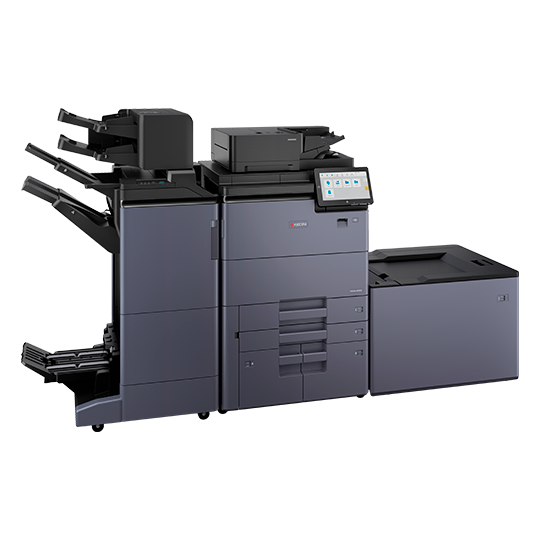
TASKalfa MZ9500i
- 95 pages per minute
- Print, Copy, Scan; Fax configurable
- High-volume; up to 13 x 19.2
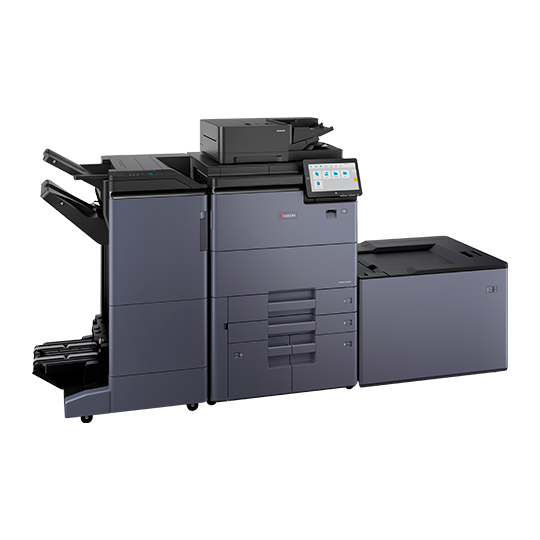
TASKalfa MZ10500i
- 105 pages per minute
- Print, Copy, Scan; Fax configurable
- Up to 7,850 sheets; 13 x 19.2
Nothing matches that. or tell us what you need.
Three tiers, with real starting payments
These are equipment-only starting payments on a 63-month qualified lease with approved credit — the bare minimum, with no copy allowance included. Terms of 36, 39, 48 and 63 months are available, and the payment moves with the term and the configuration. Copies, service and toner are quoted on top, sized to what you actually print.
Desktop print-only
Private offices, reception desks, satellite sites, or a second machine so the main copier stops being a bottleneck.
- Compact footprint, fits on a credenza
- Black & white or color models
- Wired and wireless network printing
- Mobile printing from phone and tablet
- Long-life drum and developer units
Desktop multifunction
The workhorse for a 5–25 person office that needs to print, copy, scan and share documents without walking to another floor.
- Print, copy, scan and fax in one device
- Single-pass duplex document feeder
- Scan to email, network folder and cloud
- Touchscreen with saved workflows
- Optional extra paper cassettes
Floor-standing system
Shared departments, law and accounting offices, schools and anywhere output volume or finishing requirements are serious.
- A3 and A4 output, tabloid capable
- High-capacity trays, fewer paper refills
- Stapling, hole punch and booklet finishing
- Secure print release and user authentication
- High-yield toner, fewer cartridge swaps
The floor-standing TASKalfa at $125 is what most of our customers end up on. We deliberately do not name a model against that number: which TASKalfa you get depends on your volume and what the machine has to do, not on a list price. Tell us how you print and we will put the right one in the proposal.
Read this before you compare us to anyone. $45, $75 and $125 a month are equipment only — the bare minimum on a 63-month qualified lease with approved credit. There is no print volume built into those numbers. Your copy allowance, service and toner are quoted separately against what you actually print, which is why the price builder adds them on top. Nothing is binding until you have a written proposal from us.
Which Kyocera family are you actually shopping for?
Kyocera builds two main lines for business. The difference is less about brand tier and more about paper size, volume and finishing.
ECOSYS — desktop A4
Printers and multifunction units built around long-life components, which is where the "ECOSYS" name comes from: fewer consumable parts to replace over the life of the machine. These sit on a desk or credenza, handle letter and legal paper, and cover the vast majority of everyday office printing.
Choose ECOSYS if: your work is letter/legal size, your monthly volume is moderate, and you do not need stapling or booklet finishing.
TASKalfa — floor-standing A3
Full-size systems for departments and higher volume. They handle tabloid and ledger sizes, take large-capacity paper decks, and accept finishing units for stapling, punching and booklet making. This is the machine people picture when they say "the copier."
Choose TASKalfa if: you print 11×17, you run sustained daily volume, or you assemble documents that need to come out finished.
Kyocera revises its model lineup regularly. Rather than list model numbers that go stale, we spec the current model that fits your volume and workflow at the time you order — and the exact model, speed and options are named in your written proposal.
Pick the term. We will show you all four.
A shorter term costs more each month but puts you back in front of newer equipment sooner. A longer term lowers the payment. Neither is a trick — you just need to see both numbers, so we quote every term you are considering.
36 months
Shortest commitment and the fastest refresh cycle. Highest monthly payment of the four. Good when your business is changing quickly or you expect volume to move.
39 months
A small extension on 36 that often lands the payment where a budget needs it, without adding years to the commitment.
48 months
The middle ground most offices land on — a comfortable payment against a four-year equipment life. Our most common term.
63 months
The lowest monthly payment. Best when the machine is well matched to steady, predictable volume that is not going to change much.
All terms are subject to a qualified lease with approved credit. Your included page volume is set by what you print, not by the term you choose — the term only moves the payment.
Both are fine. They are just different trade-offs.
Here is the honest comparison. We will run both numbers for you and say which one we would choose in your situation.
| Consideration | Lease | Purchase |
|---|---|---|
| Up-front cash | Minimal | Full equipment cost |
| Monthly budget | One fixed payment you can budget | No payment, but click charges scale with use |
| Equipment refresh | Built into the term | You decide, you fund it |
| Term options | 36, 39, 48 and 63 months | n/a |
| Service & toner | Included in the payment | Usage-based, billed on the meter |
| Ownership at end | Per the lease buyout terms | You own it outright |
| Best for | Predictable cost, current equipment, no capital outlay | Low or unpredictable volume, capital available |
Not sure which column you are in? Send us your volume and we will put both numbers on one page. If you already have an agreement elsewhere, ask us to review it first — sometimes the right answer is to wait for your renewal window.
The install is part of the job
Delivery & placement
Scheduled around your business hours, positioned where it makes sense for the people using it.
Network setup
Drivers deployed, scan-to-email and scan-to-folder configured, print queues tested on real workstations.
Staff training
On-site walkthrough so the people who use it daily are not learning from a PDF.
Written scope
Equipment, responsibilities, page rates and term documented before anything is signed.
Get the equipment quoted properly
Tell us your monthly volume and what the machine has to do. You get a written proposal — model, payment, page rates and term.