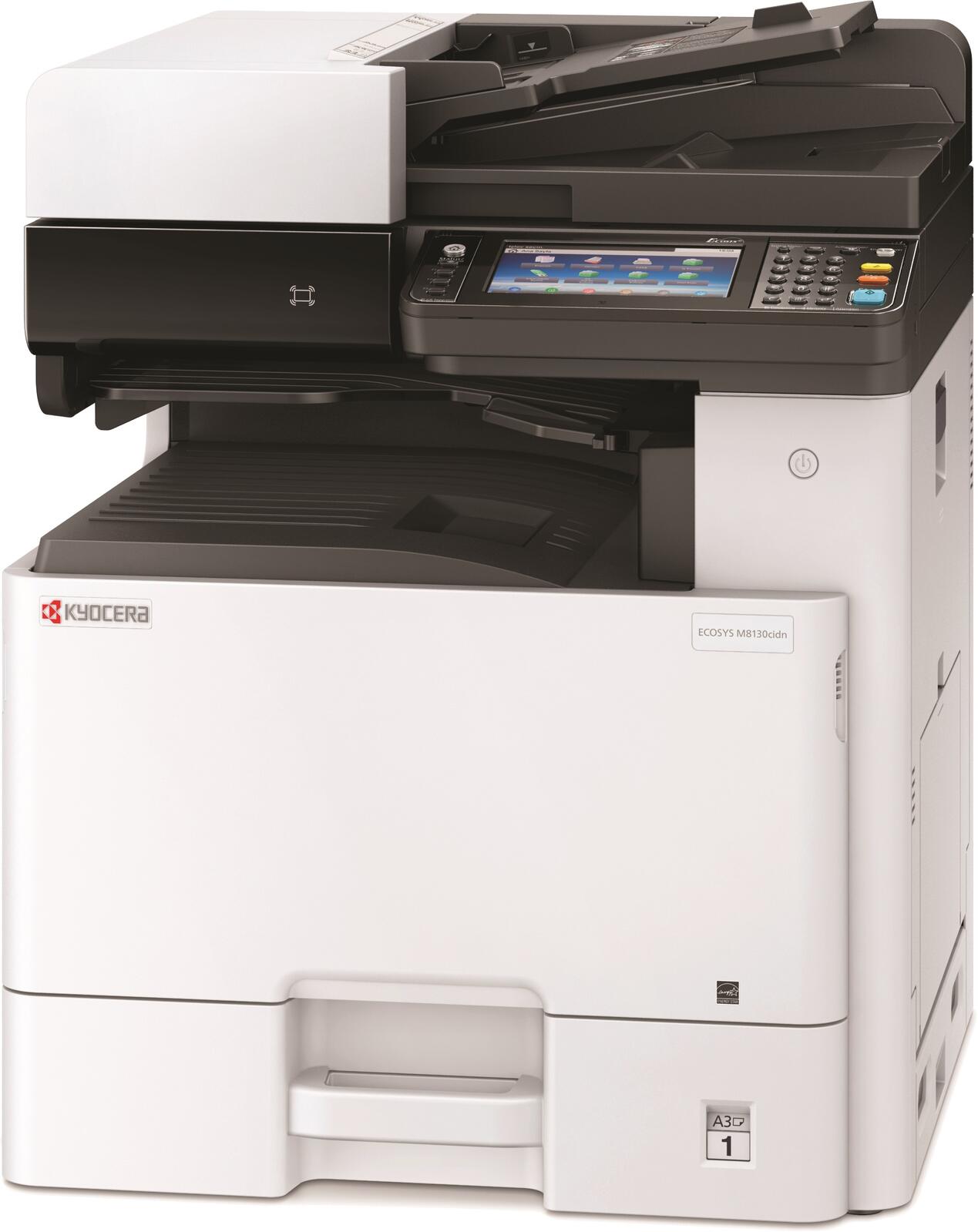
Watch it work — see the machine run.
First, watch the real machine in Kyocera's official video below. Then try the interactive demo: hover or tap each part of the machine and it moves.
Scroll over the feeder and the lid lifts and scans. Hover the paper drawers and they slide open. Tap the touchscreen to run a job, the finisher to staple — or press Run a booklet job and watch the whole sequence: feed, scan, print, staple, folded booklet in the tray.
Watch the real Kyocera run
This is Kyocera's official video of the real Nova Series machines — the TASKalfa MZ9500ci and MZ10500i, the line whose compact finisher staples, folds and makes booklets.
Video: Kyocera Document Solutions America, official channel — “Meet the Nova Series.”
Now try it yourself — the interactive demo
An animated illustration of the same kind of machine, so you can play with the parts: the feeder opens, the drawers slide out, and a booklet job runs end to end.
Want the real machine?
The fully loaded TASKalfa MZ9500ci Nova Series is on the floor at our Mineola showroom — try the feeder, drawers and finisher in person.
Learn the everyday jobs
Animated step-throughs for installing toner and replacing the waste toner box — plus how to place a service call.
Pick your machine
Browse by category — printers, desktop MFPs, free-standing color or black & white — and get pricing in under 2 minutes.